What you need
A smart trainer
Any Bluetooth smart trainer.
A computer
Chrome or Edge on a Mac or PC.
A route
One of the classic trips, or your own GPX.
Routes
Pick a trip, or bring your own
Start with one of six classic bikepacking and touring trips, or import a GPX from Komoot, Ride with GPS, Garmin or Wahoo and Ultravelo draws it for you.
Plan
Your trip, day by day
Upload your route and Ultravelo splits it into stages, each with its distance and how long it takes you.
Each stage on its date: how long it takes you, where the sun sets and when to leave.
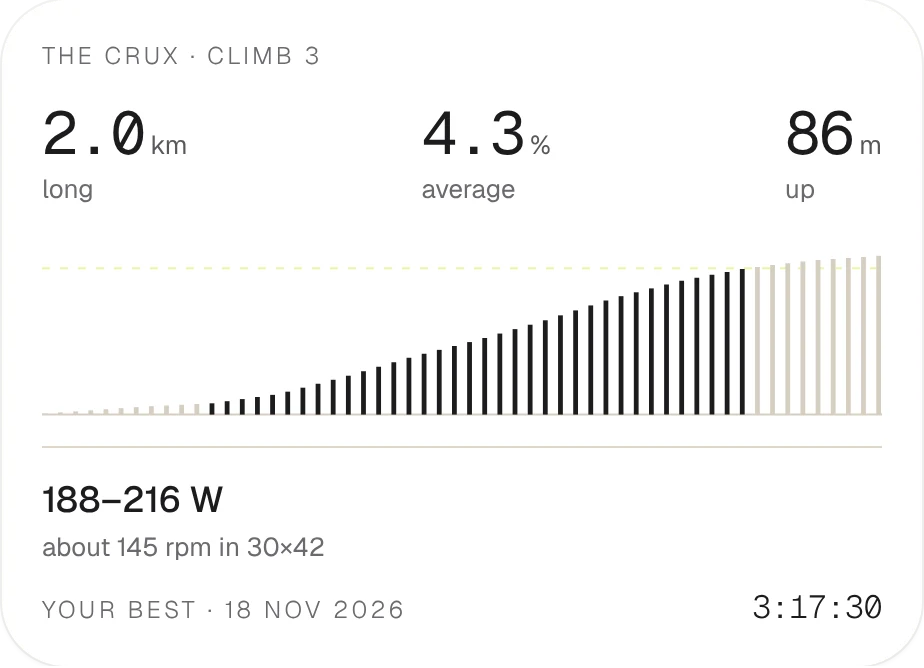
Each stage’s crux climb, its shape, and the power to hold on it.
Along every stage, from OpenStreetMap, with your own notes.
Road, gravel, mountain or fat bike, with or without bags. Every time is worked out for yours, loaded.
A plan built back from your start date, with the trip’s big climbs as the hard sessions.
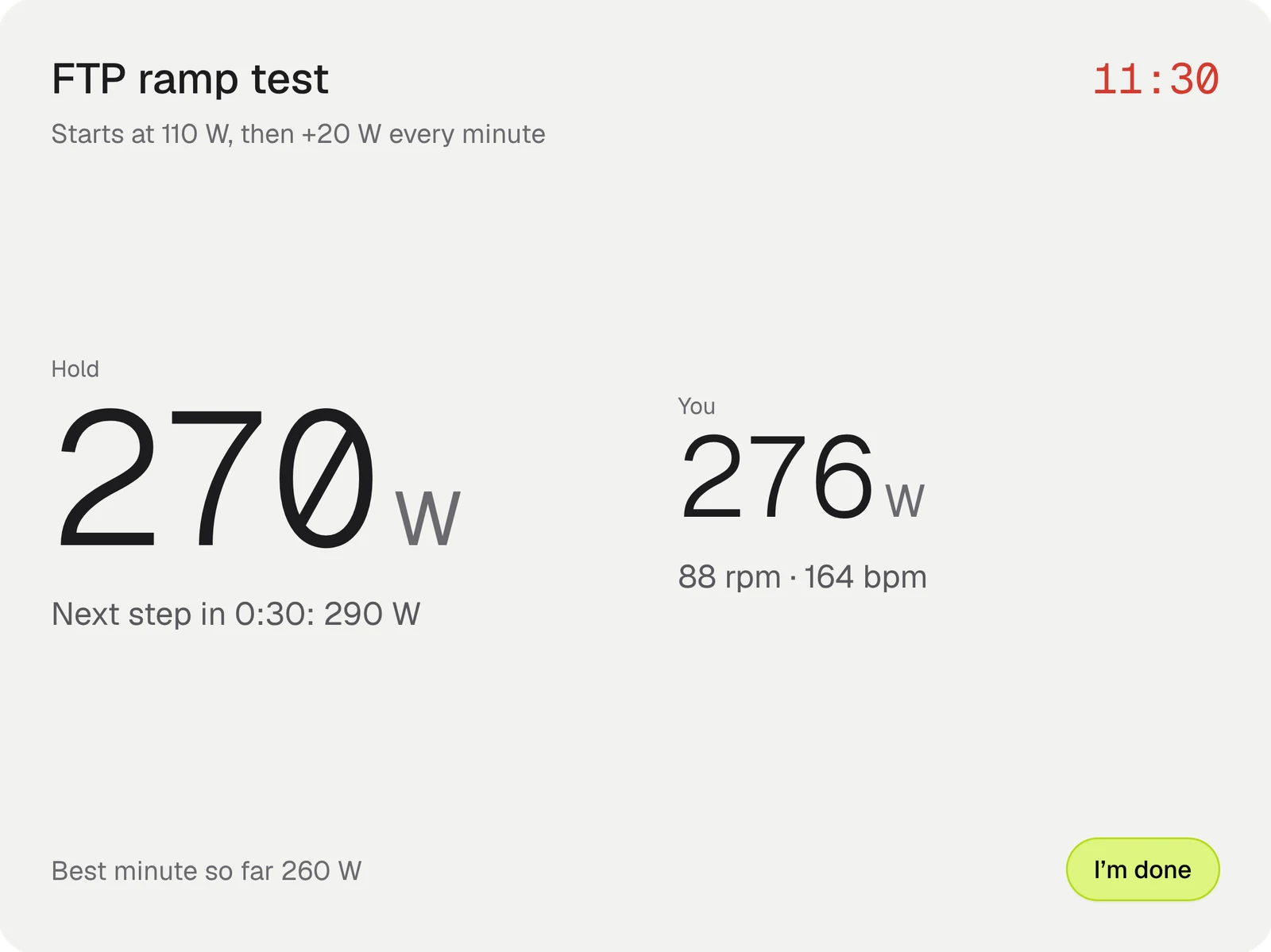
A ramp test on your trainer sets your power zones.



Ride
Ride the route. Feel every climb.
Ride through 3D terrain based on the real route. Your smart trainer adjusts resistance as the road rises and falls.
Race your best ride
Ride a stage again against your best or your last time on it.
Your rider
Your kit, your colours, your bike.
Real weather and seasons
The stage’s weather today, or any season.
After the ride
Watch the trip come together
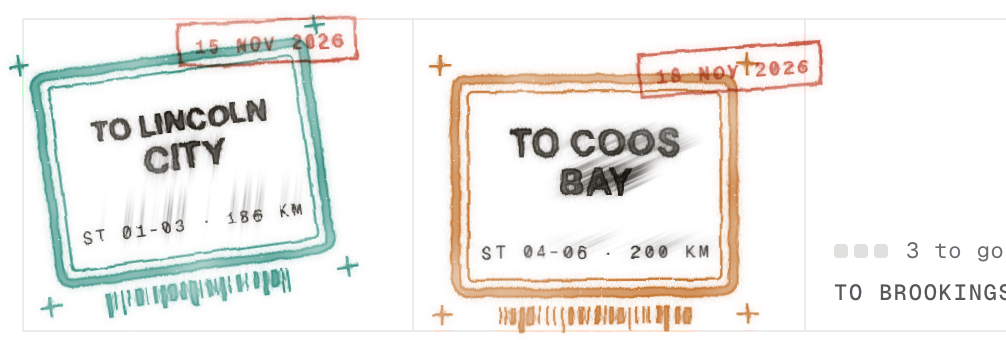
Every stage you ride fills in the trip: on the map, in 3D, and in your passport.
Fly the route
The whole trip in 3D, as far as you’ve ridden.
Trip passport
A stamp for every stage, a page for every region.
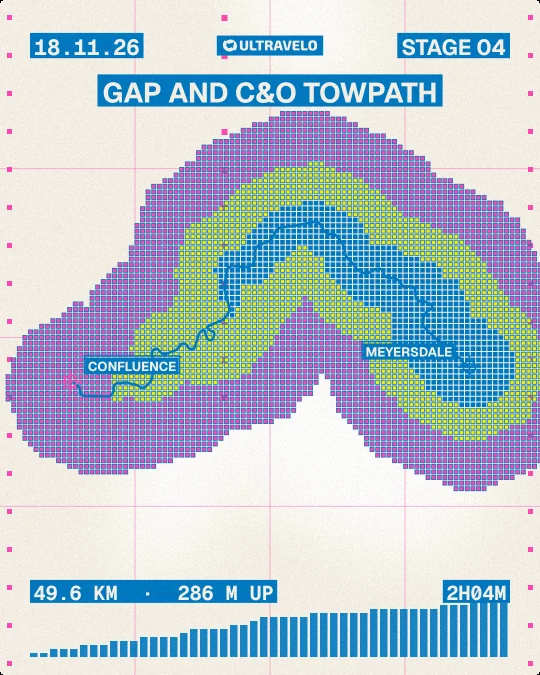
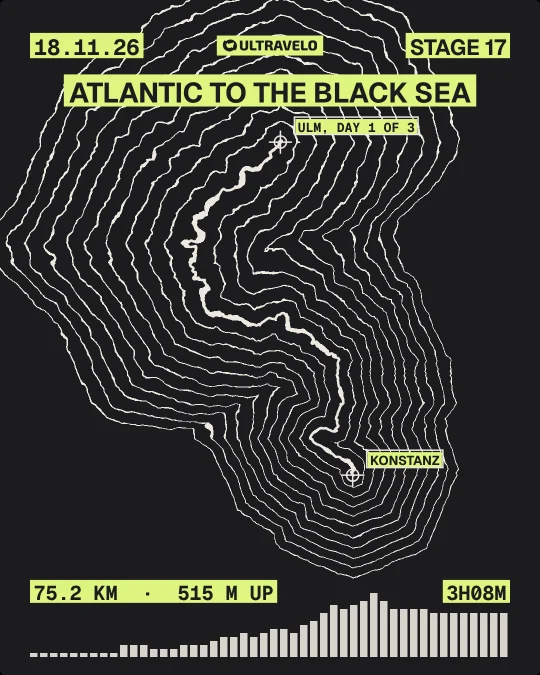
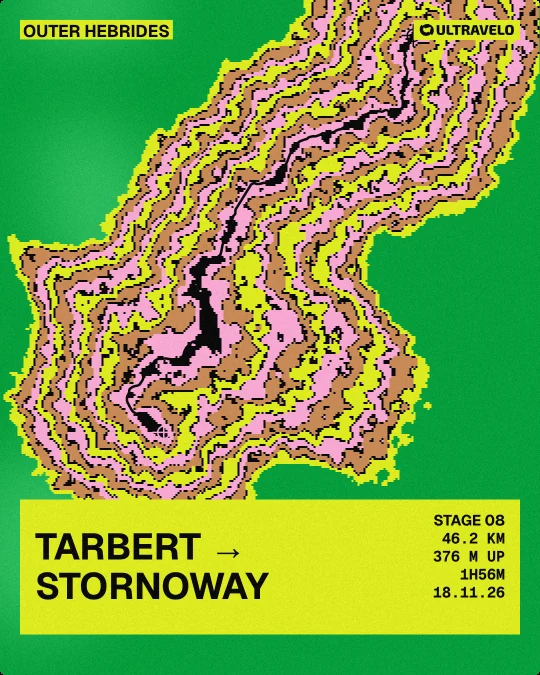
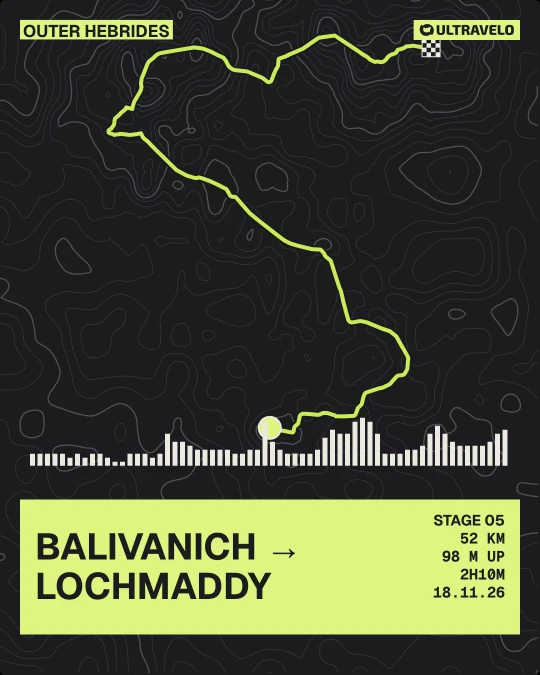
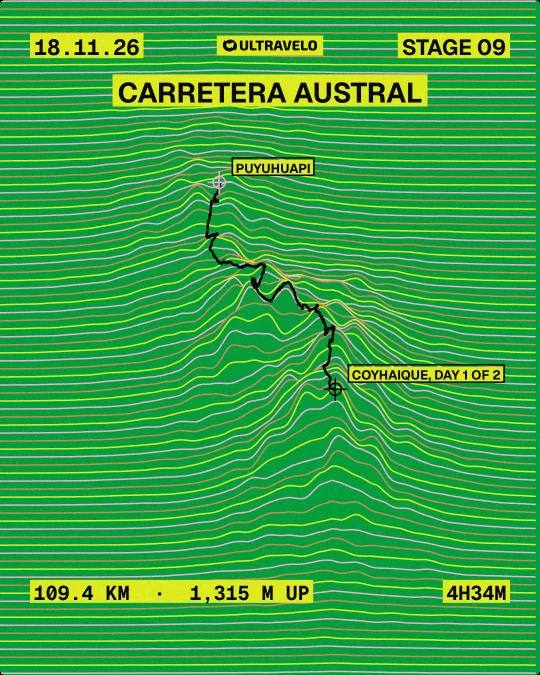
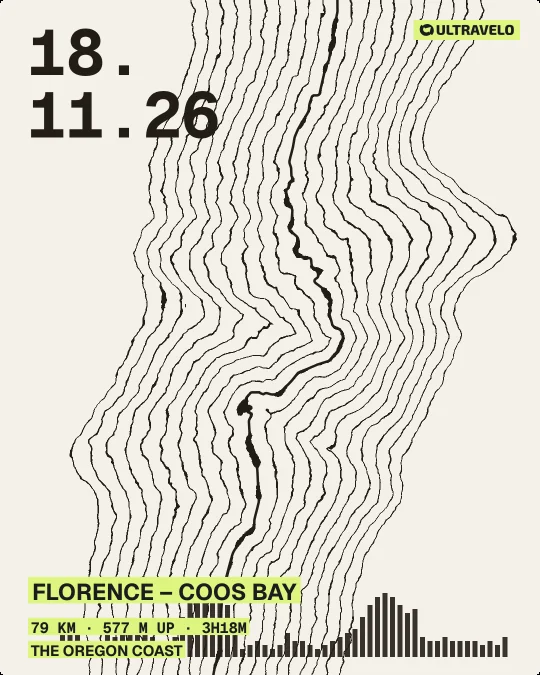
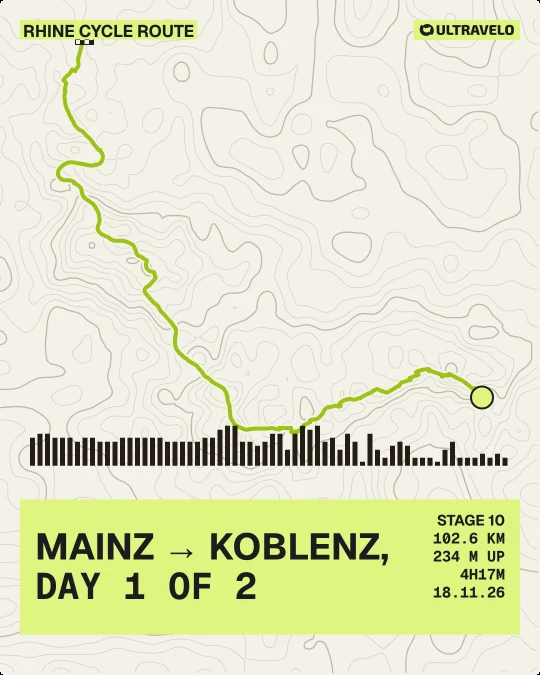
Share
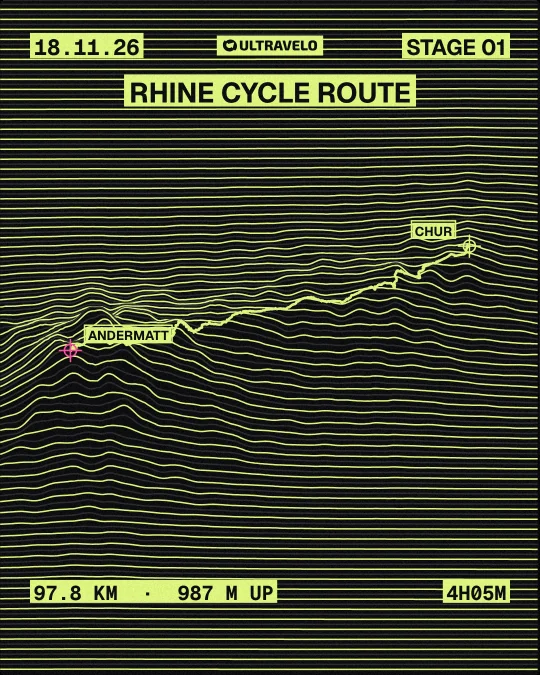
A poster for every stage you ride, in three looks, and short clips for Reels.
Stage 06 · The Oregon Coast18.11.26
Florence – Coos Bay
Distance79 km
Climbing577 m
Time3:18
StravaSent
Strava
Each ride goes to Strava when you finish, or save it as a TCX file.
Where are you riding next?
The beta opens to the first 50 riders, and it’s free.
Yes, while it’s in beta. The first 50 riders get in, and anyone after that joins the waiting list.
No. Ride one stage, a famous climb or a short ride, in any order.
Not yet. Browsers on iPad and iPhone can’t connect to Bluetooth trainers.
On your computer. You can export them or save a backup at any time.
To load a stage’s map the first time. After that it’s kept on your computer.